Document delivery for businesses

Deliver and file documents for customers to own and keep.

Some documents are more than communications. They are lasting records of agreements, transactions, entitlements and important decisions. Your customers may need to keep, find and rely on them long after you send them.

Documentd delivers the document and files the customer's own copy for them, so it is organised and easy to find later.

The gap in digital delivery

Sending is only half the job.

The document gets to the customer. But they are left to save it, file it, and remember where to find it later.

Step 1

Send

Step 2

Delivered

The missing step

Who files the customer’s copy?

Months or years later

Where is it?

That gap creates friction for customers and work for your business. Documents get misplaced, customers struggle to find them, and requests for copies come back to you.

Documentd completes the job.

Where it matters

Which documents need more than sending?

Not every document needs Documentd. Use it for documents that form a lasting record: something your customer may need to keep, refer back to or rely on later.

Agreements Statements Notices Confirmations Certificates Warranties Disclosures Records

A useful test

If your customer needs this document again in three years, should they have to come back to you to get it?

If the answer is no, sending alone is not enough. The customer's copy needs somewhere to live.

Why it matters

Better for your customers. Less work afterwards.

When customers receive documents that are already filed and easy to find, they are less dependent on your business later. That means a better customer experience, fewer document queries and resends, less pressure on portals, and less need for expensive paper delivery.

Email

Use email for messages and updates. Use Documentd when the document needs to be kept.

Use them together. Keep the email conversation, while Documentd delivers and files the customer's copy.

Email is an efficient way to communicate, but an attachment leaves the customer responsible for downloading it, deciding where to save it and finding it again later.

When that does not happen, the problem often comes back to your business as a document query, an access problem or a resend.

What Documentd changes

Documentd delivers the document and files the customer's own copy automatically. It is organised and easy to find later, while your team spends less time dealing with document queries and resends.
Customer portals

Use your portal for ongoing service. Use Documentd when the customer needs their own copy to keep.

Documentd can sit alongside your portal, giving customers their own filed copy without changing what the portal is there to do.

Customer portals are useful for managing an ongoing relationship, including accounts, transactions, messages and services.

But a document that customers need to keep for themselves creates a different requirement. Keeping it available inside your portal is not the same as giving the customer their own copy, filed independently of your systems.

What Documentd changes

Documentd files the customer's own copy outside the portal, while your portal continues to handle the ongoing relationship. That can avoid redesigning the portal around long-term document access and durable-medium requirements.

Why Documentd works as a durable medium →

Paper post

Use post when paper itself matters. Use Documentd when the customer simply needs a lasting copy.

Where paper is unnecessary, Documentd can replace physical delivery completely.

Post gives the customer a physical copy, but the customer still has to decide where to put it, keep it safe and find it again later.

If the real requirement is simply to give the customer a copy they can retain, printing and posting it adds cost while still leaving the customer to file it and find it again later.

What Documentd changes

Documentd delivers the document digitally and files it automatically for the customer. They get an organised copy that is easy to find later, while your business avoids printing, handling, postage and repeat mailing costs.

Keep email and portals for the jobs they already do well. Use Documentd when the document needs to be delivered, filed and easy for the customer to find again.

How it works

See what happens when you send with Documentd.

However you choose to send, Documentd handles the delivery and filing. Your customer receives their own copy in Keepd, organised and ready to find again later.

Step 1 of 5

Send the document your way

Use the website, copy Documentd into an email, add #deliver, or connect through the API.

Whichever method fits your workflow, Documentd handles the delivery and filing for you.

Website
Upload document
Email
To: customer@example.com
Bcc: filing@documentd.com
#deliver
To: customer@example.com
#deliver
API
POST /deliver
recipient
document

Step 2 of 5

Your customer is notified

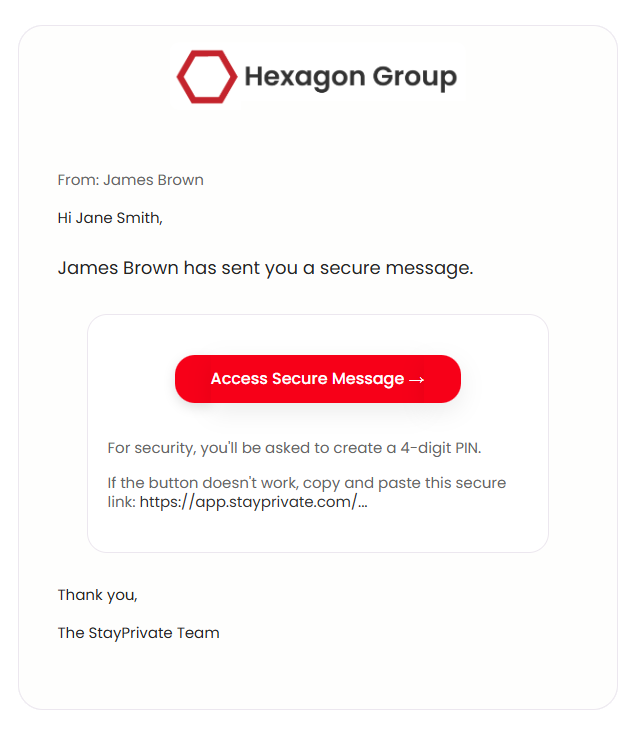
Your customer receives an email telling them that a document has been delivered.

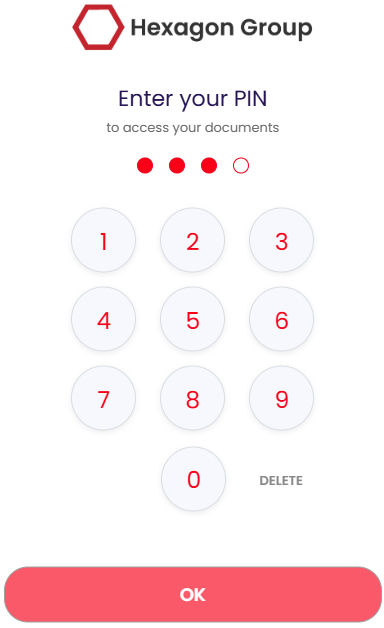
They follow the link and use simple authentication to access it. From their first delivery, their own private Keepd is ready for them.

Document delivery notification email
PIN access screen

Step 3 of 5

Their own copy is filed in Keepd

The document is placed into the folder you choose, so the customer does not need to download it, decide where to save it or file it away themselves.

Their copy is organised in Keepd and ready to find again later.

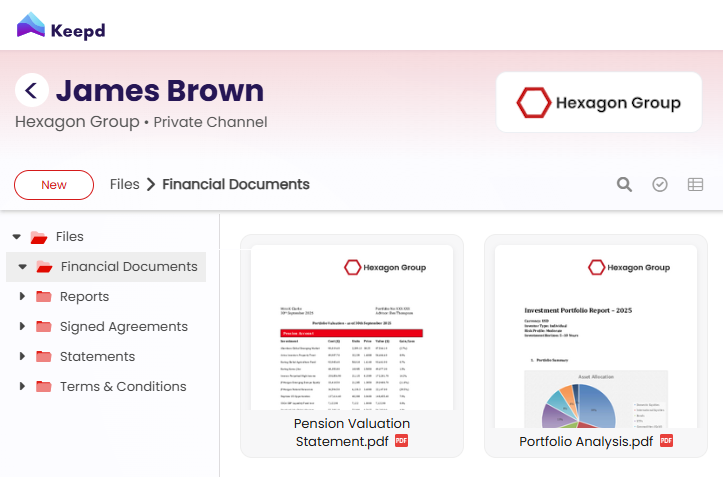
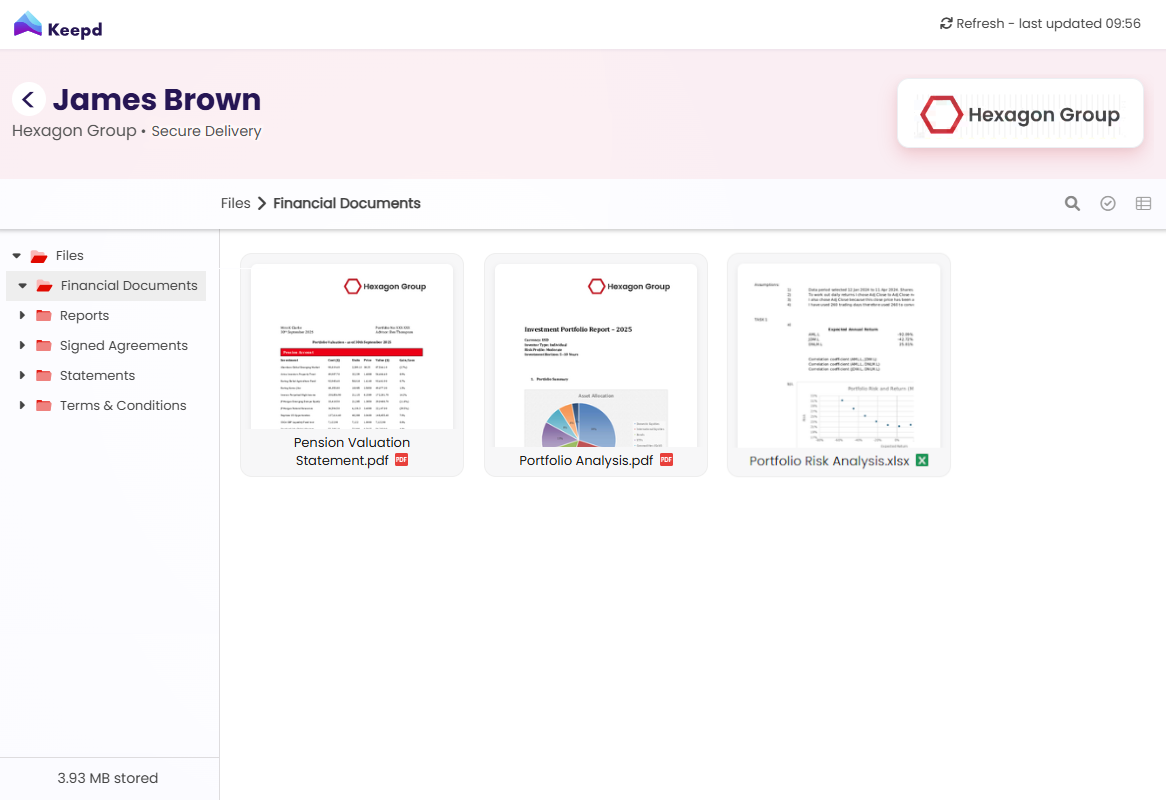
Customer Keepd document view

Step 4 of 5

Easy to find when they need it

When your customer needs the document again, they can return to their own Keepd rather than search an old inbox or depend on access to your portal.

Their copy remains available independently of the business that originally delivered it.

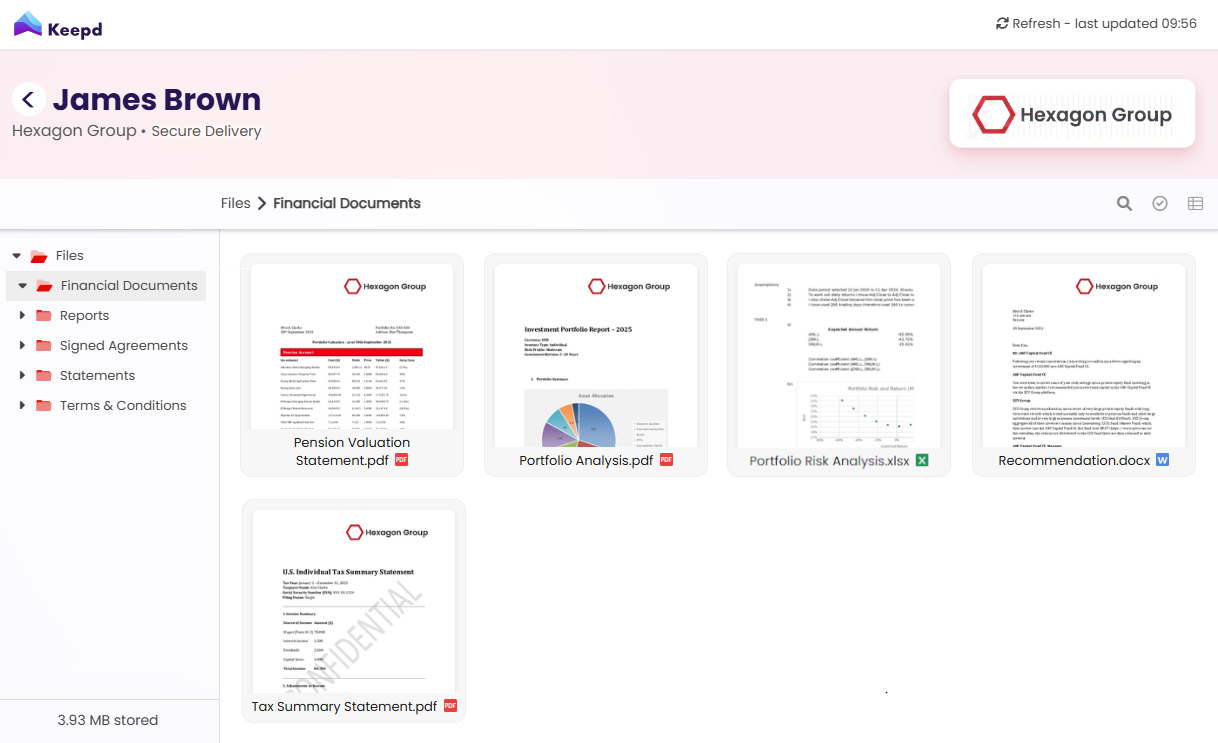
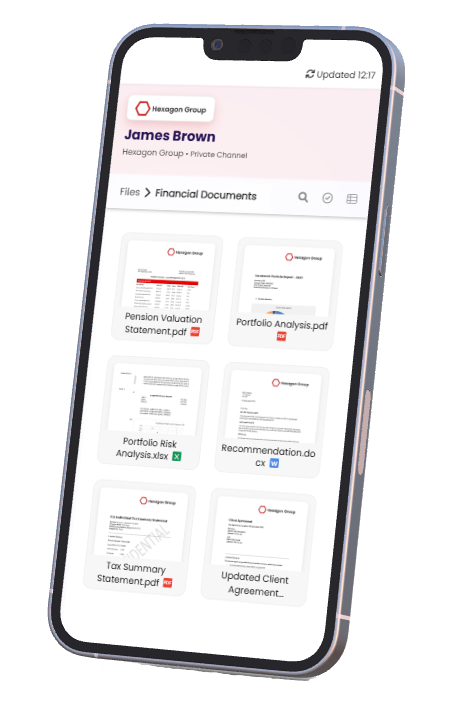
Customer Keepd showing retained documents

Step 5 of 5

Deliver a document to yourself

The simplest way to understand Documentd is to experience it as a customer.

Deliver a document to your own email address and see exactly what your customer receives.

Documentd customer document view

Four ways to send

Send documents the way that fits your workflow.

Use the website, add Documentd to an email you are already sending, use #deliver to keep documents out of the customer's inbox, or connect your systems through the API.

Send from the website

The simplest way to start. Deliver a document directly through Documentd, with no integration or change to your existing systems.

Deliver a document →

Add Documentd to an email

Keep sending your normal email. Copy Documentd in and the attachments are also delivered and filed for your customer.

See how copy-in works →

Send using #deliver

Send from your existing email system without putting the documents themselves into the customer's inbox. Add #deliver and Documentd handles the delivery.

Set up #deliver →

Use the API

Build Documentd directly into your product, CRM, case-management system or automated workflow.

Explore the API →

However you send, you can file documents into folders for the customer. Their own copies arrive in Keepd, organised and easy to find later.

Trust and confidence

Built for documents your customers may need for years.

Documentd is designed for documents customers may need to keep, find and rely on long after delivery. Their copies are private, protected and independent of the business that sent them.

Encrypted in transit and at rest

Private by design

Customer copies remain independent of the sender

Built for long-term availability

Documentd is built by StayPrivate, drawing on more than a decade of experience in secure customer communications. StayPrivate operates an ISO 27001-certified information security management system and holds Cyber Essentials Plus certification.

Explore security, privacy and trust →

Simple pricing

Pay for documents, not seats.

Pay as you go when volumes vary, choose a monthly plan for regular delivery, or talk to us about higher-volume requirements.

There are no seat-based fees, and your customers are never charged to receive or keep their documents.

Deliver and file a document.

Send a document to yourself and see exactly how your customer receives their own copy, filed in Keepd, organised and easy to find later.